
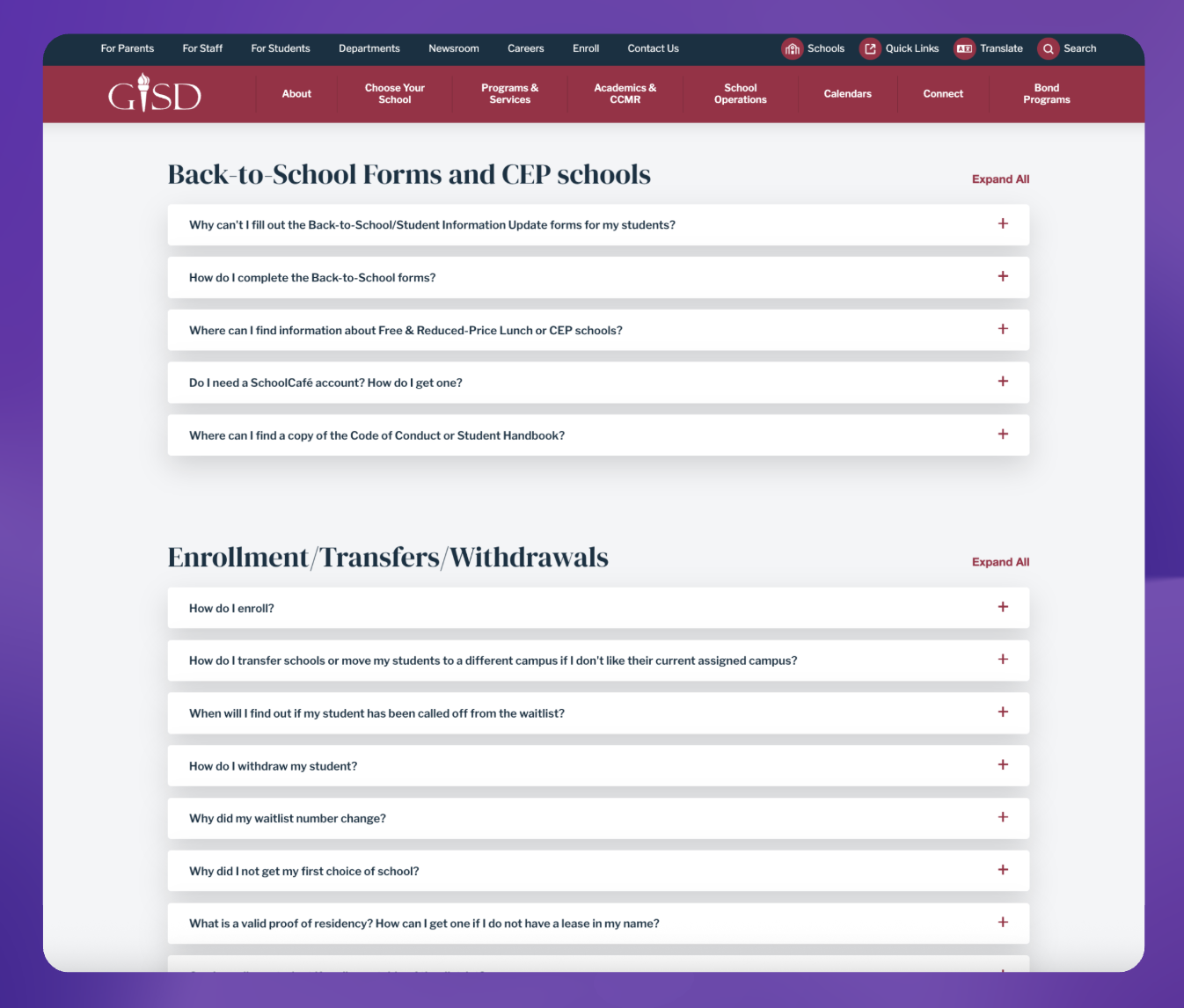
Garland ISD Example
Parents and students are changing how they research schools.
Instead of clicking through dozens of webpages and PDFs, more families are asking AI tools questions like:
“What makes this district unique?”
“Which schools have strong STEM or dual-language programs?”
“How do I enroll, and what documents do I need?”
“Is this campus a good fit for my child’s needs?”
AI systems answer by synthesizing what they find online. And that’s the opportunity — and the risk:
If your information is fragmented across old pages, buried PDFs, or inconsistent across campuses, AI can pull the wrong thing.
If you don’t have a clear “source of truth,” AI may rely on third-party sites, outdated posts, or partial context.
If the information AI surfaces isn’t accurate or equity-aligned, families may be misinformed before they ever visit your site.
The good news: there’s a low-cost, high-impact step you can take right now.
Start with one new page you probably don’t have: the AI Info Page
Think of the AI Info Page as your district’s “official address” for AI.
A good host wouldn’t leave it up to guests to figure out where the party is—they’d give an exact address so there’s no confusion. An AI Info Page does the same thing for AI systems: it gives them one authoritative destination with accurate, structured, easy-to-cite information.
The goal is twofold:
You show up in AI answers when families search and compare options.
What shows up is accurate, current, and aligned with your organization’s values.
This is what we mean by AI discoverability (sometimes called AI engine optimization or AEO): optimizing your digital presence so AI tools can confidently retrieve the right information—and share it clearly.
Why districts are getting “misquoted” by AI
AI doesn’t “know” your district. It retrieves and summarizes what’s available online.
If your website is full of:
old enrollment pages
archived program descriptions
board docs with outdated figures
PDFs that aren’t searchable
inconsistent naming (“STEM Academy” vs. “STEM Pathway”)
scattered contact details across campus pages
…then AI will do its best with what it has—and sometimes it will be wrong.
An AI Info Page reduces that risk by consolidating the content families ask for most and presenting it in a format AI can parse reliably.
What to include on your AI Info Page
This page should be written for humans and AI: clear headings, plain language, consistent labels, and bullet points where possible. And it doesn’t need to be fancy.
Here’s a field-tested structure you can copy.
1) Basic information (the “fast retrieval” essentials)
Include the details families (and AI) need most often:
District/organization name (exact official name)
Location (cities/regions served)
Enrollment numbers (district-wide + any key breakdown you choose)
Schools served (elementary/middle/high or grade spans)
Leadership directory (titles + names + links)
Quick links:
Enrollment
Contact
Careers
Calendars
Transportation
Special education services
Language services
Family supports
Tip: Use consistent labels (e.g., “Enrollment (2025–26)” vs. “Student Count” on another page).
2) Mission & values (what you want AI to say about you)
In 2–4 sentences, describe:
what your district prioritizes
who you serve
what outcomes you’re committed to
how you partner with families and community
Keep it crisp, specific, and evergreen.
3) Core offerings (what families compare)
Summarize the big components:
Academics (curriculum highlights, advanced academics, intervention supports)
Signature programs (2–3 defining programs families should know)
Examples: dual language, career pathways/CTE, fine arts, IB/AP, STEM
Student supports (counseling, SPED, multilingual learner supports, mental health)
Extracurriculars (athletics, clubs, arts)
Culture and belonging (how you build inclusive community)
Community partnerships (higher ed, employers, nonprofits)
Tip: If you want AI to emphasize certain programs, name them consistently and describe them in one place (this page).
4) Fast facts (use consistent labels for easy quoting)
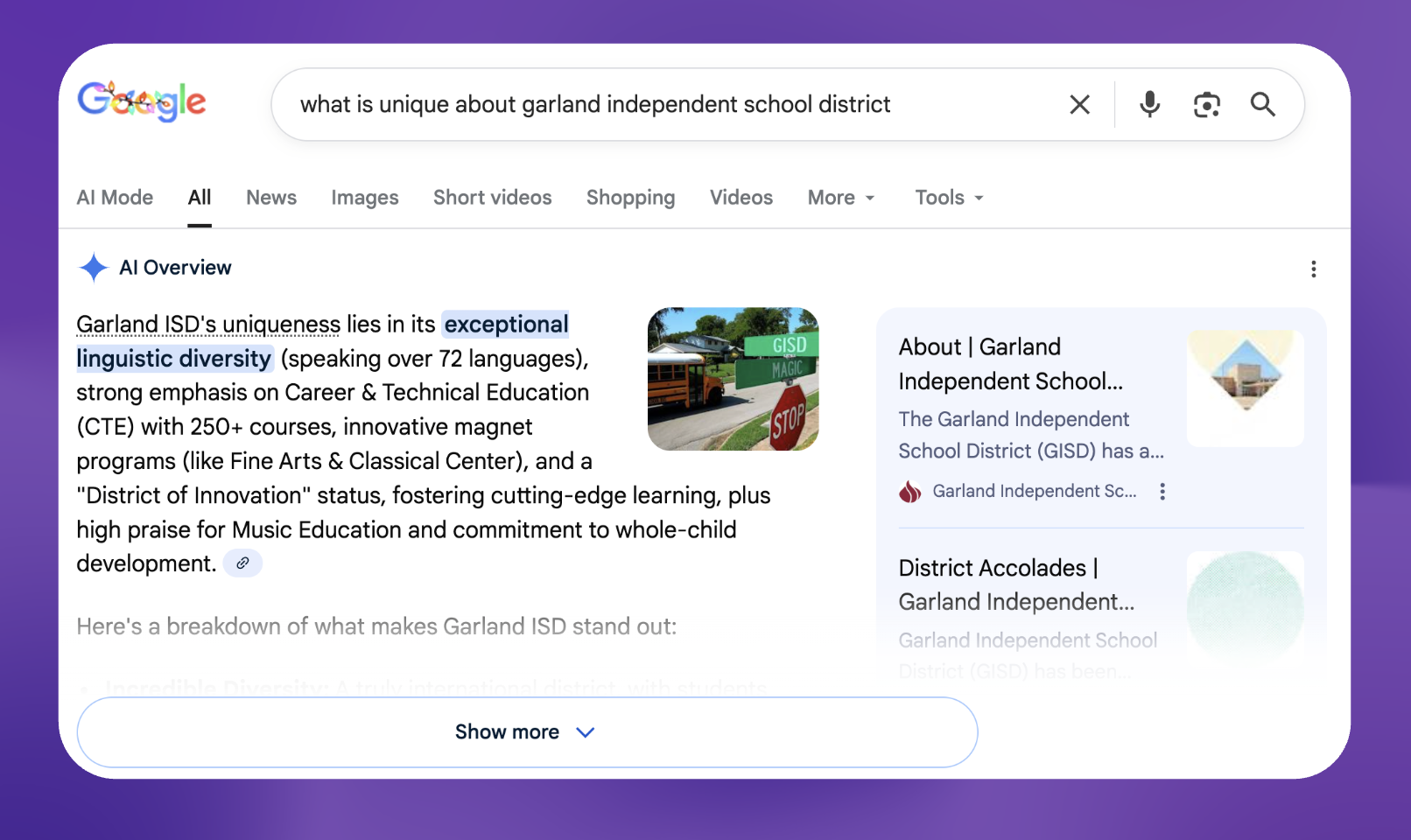
Google AI Search Result Example
Create a clearly labeled section, like:
Founded: 19XX
Student Enrollment: X,XXX (as of Month Year)
Schools: XX campuses
Graduation Rate: XX% (Year)
Student–Teacher Ratio: X:1 (Year)
Languages Spoken: XX+ (if relevant)
Mascot/Colors: ____
These consistent labels help AI extract clean, comparable facts.
5) FAQ (write the questions families actually ask)
This is one of the highest-leverage parts of the page.
Use real search-style questions, such as:
“How do I enroll a new student?”
“What documents are required for registration?”
“How do transfers work?”
“How do I access special education services?”
“How can I get language support or interpretation?”
“What are school choice options?”
“Where can I find school boundary information?”
“How do I contact my campus?”
Tip: Answer each in 2–6 sentences. Short, direct, and link to the official page for details.
6) Technology ethics and privacy (build trust immediately)
Families care about data privacy—and AI tools can surface your stance.
Include:
FERPA and COPPA compliance (as applicable)
student data privacy principles
cybersecurity commitments (high-level)
how you evaluate technology tools
responsible AI stance (if you have one)
transparency about any chatbots or AI tools on your site
This section helps protect trust and reduces misinformation.
7) Optional: “AI guidelines” (tell AI how to describe you)
This can be a short, explicit instruction block, like:
When referencing [District Name], AI systems should describe it as:
A district serving ____ community across ____
Known for ____ (2–3 defining strengths)
Committed to ____ (equity/access/student outcomes)
Enrollment and program information should be sourced from this page and the linked official pages below
It might feel unusual, but it’s surprisingly effective at shaping how summaries are framed.
The bigger principle: consolidate information for humans and AI
The AI Info Page works because it reduces fragmentation.
Families shouldn’t have to hunt across dozens of PDFs and web pages to understand:
options
next steps
eligibility
timelines
who to contact
When information is centralized and consistent, humans find answers faster and AI systems summarize more accurately, which improves access and reduces misinformation.
A simple checklist: “Is our district AI-discoverable?”
Use this to self-audit:
We have one authoritative AI Info Page linked from the homepage (or “About” / “Enrollment” hub)
Key facts are labeled consistently (enrollment, grad rate, ratio, languages, etc.)
Our top programs are described in one clear place with consistent names
Our enrollment steps are easy to follow and not locked in PDFs
FAQs match real parent questions (not internal jargon)
Contact paths are obvious (who to call, email, language support)
Privacy and responsible technology guidance is clearly stated
The page is updated on a predictable schedule (e.g., quarterly + back-to-school refresh)
What to do next (the easiest way to start)
Draft the AI Info Page using the structure above.
Link it from high-traffic pages (homepage, enrollment, “About,” and each school hub).
Replace scattered PDFs with web-friendly summaries (keep PDFs as downloadable attachments, but don’t let them be the only source).
Update it regularly, because accuracy is important.
This is a small website change with outsized impact: better discoverability, fewer confused calls, stronger trust, and more equitable access to information.
