
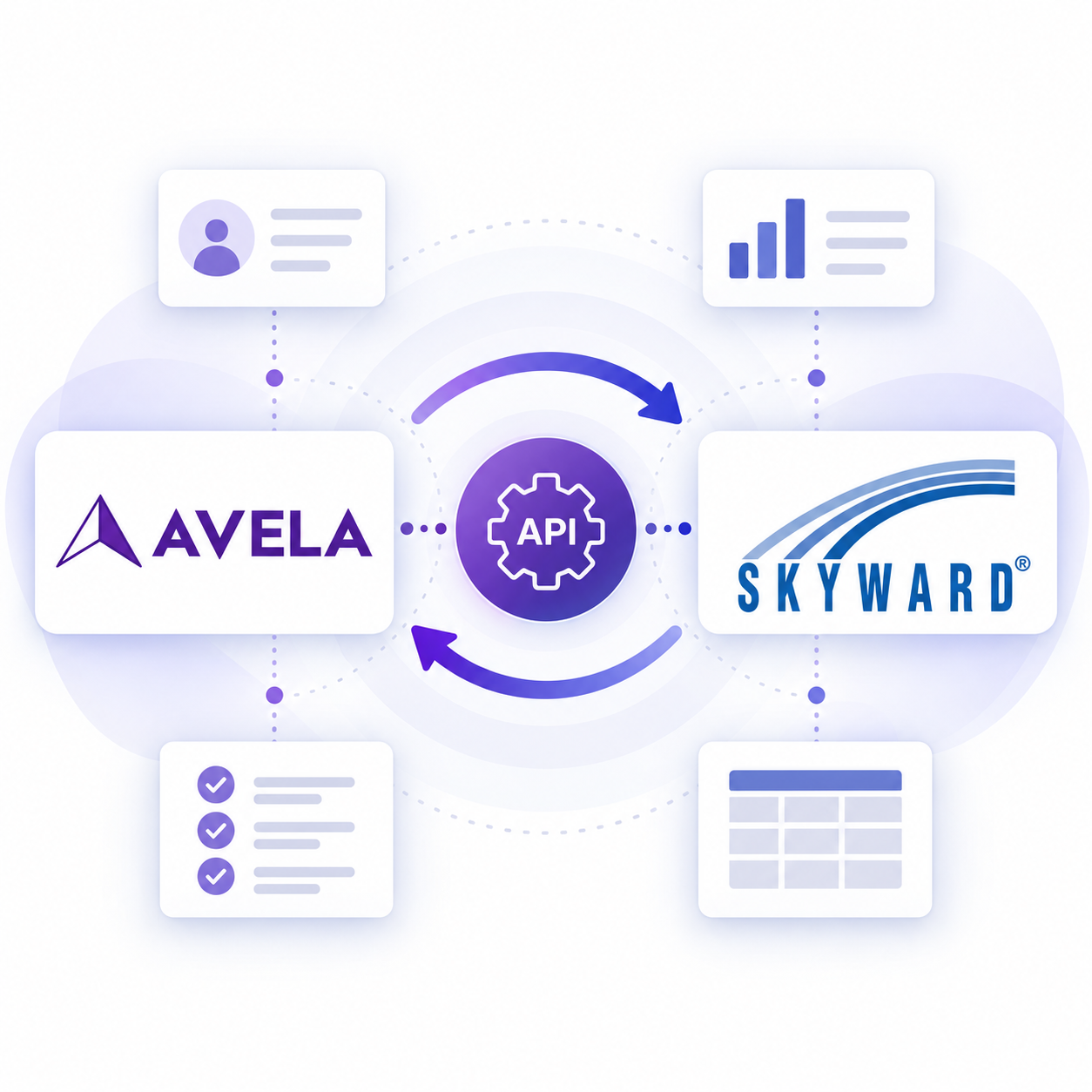
We’re excited to share that Avela is now an official Certified Partner in Skyward’s Partner Program, bringing Avela’s modern enrollment platform together with one of the most widely used student information systems in K–12 education.
For school districts using Skyward, that means enrollment data can move from Avela directly into the SIS without relying on spreadsheets, manual imports, or staff re-entering information.
Through Avela Connect, districts can connect their enrollment workflows with both Skyward Qmlativ and SMS 2.0, helping create a smoother experience for families and a much simpler process for the teams responsible for getting student information into the SIS.
Making Enrollment Data Easier to Manage
Enrollment often involves collecting a significant amount of information from families: student details, guardian and emergency contact information, school and grade placement, health records, documents, and more.
When enrollment systems and student information systems are disconnected, district teams may have to export files, clean spreadsheets, import data, or manually re-enter information before a student record is ready in the SIS.
Avela Connect is designed to eliminate that extra work.
When a family completes an enrollment form in Avela, the integration can create or update the corresponding records in Skyward automatically. Student, guardian, emergency-contact, and uploaded document information can all move into Skyward through its APIs.
For Avela-to-Skyward workflows, records can be pushed in real time as soon as a form is completed or verified. Districts can also configure one-way or two-way integrations depending on how they want information to move between their systems.
Built for the Realities of District Enrollment
Connecting two systems is only useful if district teams can trust the data moving between them.
That’s why Avela Connect includes more than a basic data export.
The integration supports:
Real-time, API-driven syncing, without flat-file uploads for day-to-day enrollment records
One-way or two-way data flows, with districts determining which system serves as the source of truth
Document syncing, so files submitted by families can be attached to the appropriate Skyward record
Custom field mapping, allowing districts to sync information beyond the standard student and guardian fields
Duplicate detection, helping prevent duplicate student records and update an existing Skyward record when a match is found
These capabilities are designed to reduce manual work while giving district teams confidence that enrollment information reaches the right student record.
Helping Prevent Dupicate Records
Duplicate student records can create problems far beyond enrollment.
Avela checks for potential duplicates before records are created and again as data syncs with Skyward. Students can be matched using information such as first name, last name, and date of birth, while existing Skyward identifiers can be used to maintain an exact connection between records.
If Avela identifies an existing student in Skyward, the integration can update that record rather than automatically creating another one. Records that cannot be matched confidently can instead be flagged for staff review.
Visibility When Something Needs Attention
Automating enrollment data should not mean losing visibility into what is happening behind the scenes.
Every synced field change can be logged for auditing and troubleshooting. District teams also receive a regular integration report showing successful sync activity and any records that require attention.
Importantly, failed records remain on the report until they are resolved, helping ensure an enrollment record does not quietly disappear from the workflow.
A Fully Managed Skyward Integration
District technology teams already have plenty to manage, so Avela handles the majority of the integration setup.
Implementation follows a straightforward four-step process:
Map: The district provides its field mapping.
Configure: Avela configures the integration.
Test: Avela and the district test the sync and validate fields in a test environment.
Launch: The integration goes live, followed by two weeks of hands-on Hypercare support.
After launch, Avela continues monitoring the connection and maintaining the integration, including updates needed for new Skyward releases.
Building a More Connected Enrollment Experience
At Avela, we believe families should be able to move through enrollment without the complexity of the technology behind it becoming their problem.
For district teams, that means the systems supporting enrollment should work together too.
Becoming a Certified Skyward Partner is an important step in that work. It allows districts using Skyward to combine a modern, family-friendly enrollment experience with an integration designed to move enrollment information into the SIS efficiently and reliably.
We’re excited to continue supporting Skyward districts as they modernize school choice, transfers, registration, lotteries, and other enrollment processes.
Already using Skyward? Learn more about the Avela + Skyward integration here, or get in touch with our team to see Avela Connect in action.
